
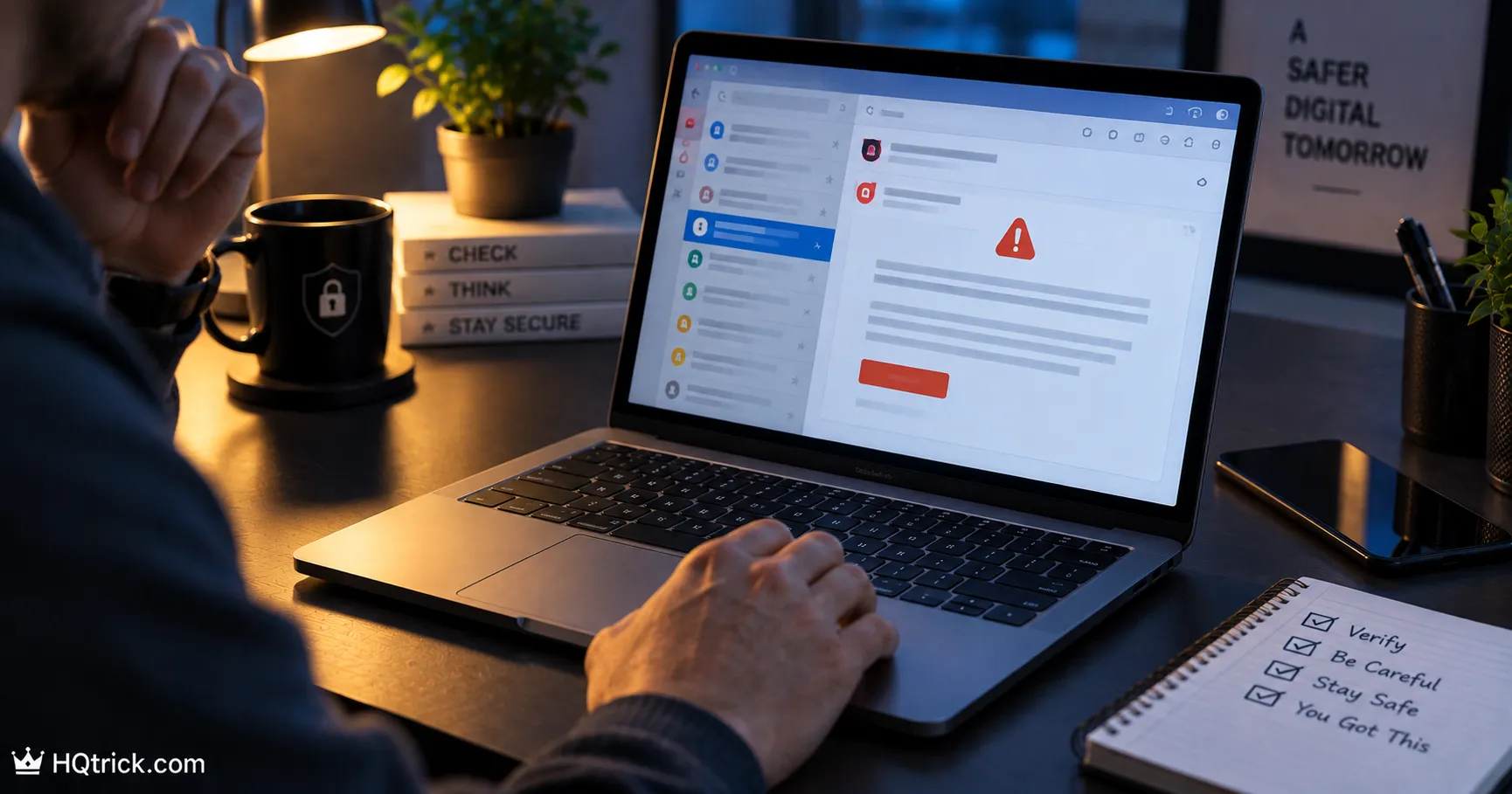
Phishing is responsible for more account takeovers than every other attack method combined.
Not because it’s sophisticated — because it’s aimed at your attention, not your software.
First: What Phishing Actually Is
Phishing is any message designed to trick you into handing over information or access voluntarily — a password, a verification code, a payment, or a click that installs something.
It doesn’t break your security. It borrows your hands.
The forms it takes:
Email phishing — the classic. A message pretending to be from your bank, a delivery company, a colleague, or a service you use.
Smishing — the same attack by SMS. “Your package couldn’t be delivered, update your address here.” Text messages have higher open rates than email, which is exactly why attackers moved there.
Vishing — voice calls. Someone claiming to be from your bank’s fraud department, walking you through “securing” your account by reading them a code.
Spear phishing — targeted at you specifically, using real details about your job, your colleagues, or a recent purchase. Far more convincing and increasingly common as personal data leaks accumulate.
Quishing — QR codes leading to fake login pages. Stickers placed over legitimate codes on parking meters and restaurant tables. You can’t inspect a QR code’s destination before scanning it, which is the point.
Second: The Skeleton Every Scam Shares
Once you see the structure, you stop needing to evaluate each message individually. Almost every phishing attempt contains the same three components:
1. An emotional trigger. Fear (“suspicious login detected”), urgency (“account closing in 24 hours”), greed (“you’ve won”), or authority (“message from the CEO”). The purpose is to raise your heart rate, because rushed people skip verification.
2. A plausible pretext. Something that fits your real life. A delivery notification when you’re expecting a package. A tax message during tax season. An invoice if you run a business. Attackers send millions of messages knowing some will land at exactly the right moment.
3. A single required action. Click this link. Call this number. Read me this code. Buy these gift cards. Enable this attachment.
If a message triggers emotion, offers a plausible reason, and needs one specific action from you right now — treat it as an attack until proven otherwise. That pattern recognition is worth more than any list of individual red flags.
Third: The Red Flags You Can Check in Seconds
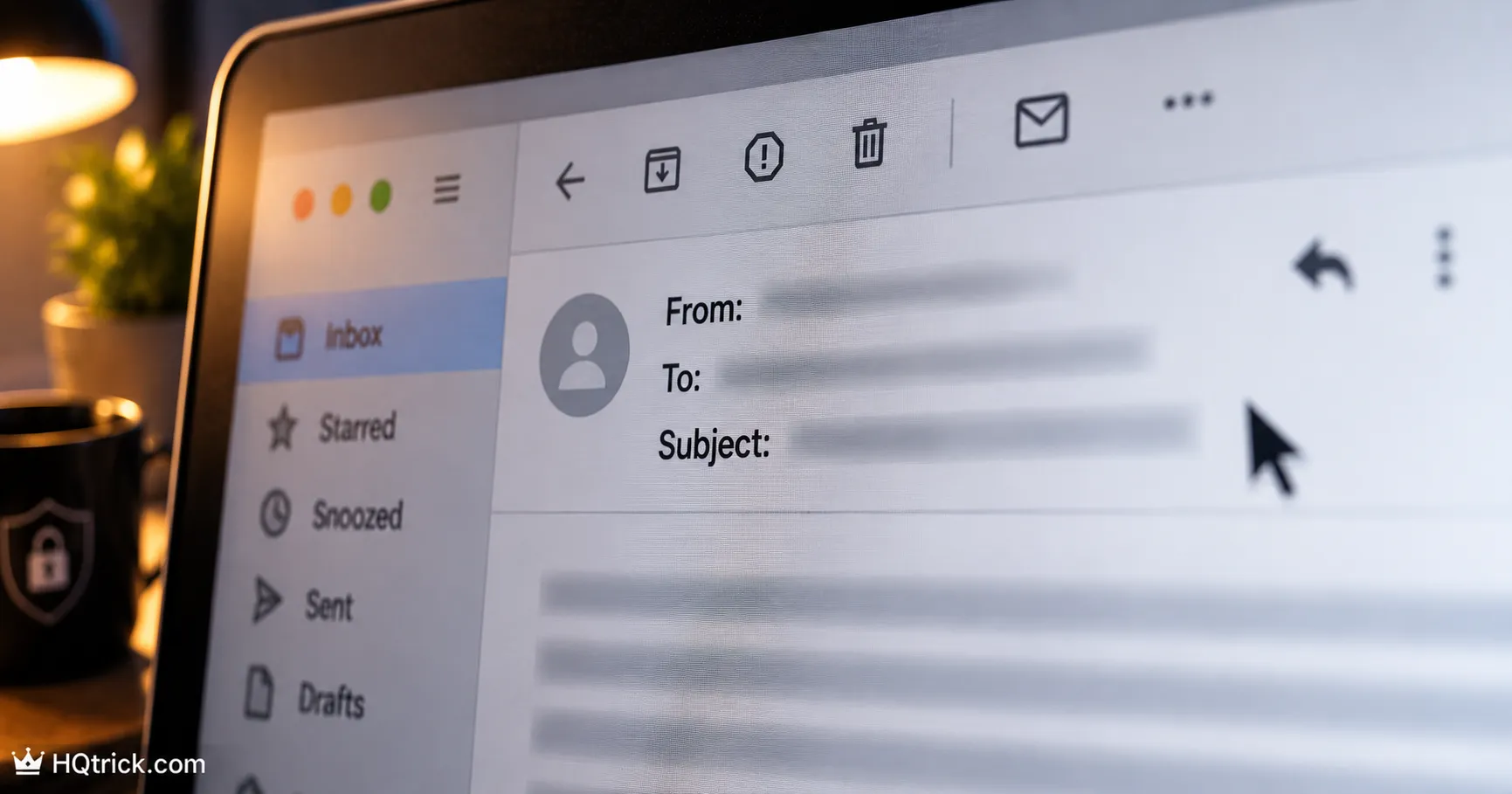
Check the real sender address, not the display name. The display name is free text — anyone can write “PayPal Support.” The actual address is what matters. On mobile, tap the sender name to expand it. Look for addresses like paypal-security@mail-verify.net — the real domain is whatever comes immediately before the final .com.
Hover over links before clicking. On a computer, hovering shows the true destination in the corner of your browser. On mobile, press and hold to preview. If the text says chase.com but the link points to chase.secure-login.co, that’s the whole answer.
Look at the domain carefully. Attackers register lookalikes: paypa1.com with a number one, arnazon.com with r-n instead of m, apple-support.com which is not Apple. Read the domain letter by letter when something feels off.
Notice generic greetings. “Dear Customer” or “Dear User” from a company that knows your name is a signal. Note the reverse isn’t reassuring — spear phishing uses your real name from leaked data.
Watch for unexpected attachments. Especially .zip, .iso, .html, and Office files that demand you “Enable Content.” Legitimate invoices don’t require you to disable your security to view them.
Question the urgency itself. Real institutions don’t threaten account closure in hours. Government agencies don’t demand immediate payment by gift card or crypto. Urgency is the tell.
Trust the small wrongness. Slightly off formatting, an odd phrasing, a logo at the wrong resolution, a signature that doesn’t match the usual one. Modern phishing is polished enough that this alone isn’t proof — but it’s a reason to verify.
Fourth: The Scams Most Likely to Reach You
| Scam Type | The Hook | The Tell |
|---|---|---|
| Delivery failure | “Package held, update address” | You weren’t expecting it, or link isn’t the carrier’s real domain |
| Bank security alert | “Suspicious charge — verify now” | Asks you to click a link or read a code aloud |
| Boss / CEO request | “Buy gift cards for a client, urgently” | Unusual channel, extreme urgency, secrecy |
| Invoice / subscription | “You were charged $499, call to cancel” | The phone number in the email is the attacker |
| Account verification | “Confirm your details or lose access” | Real services don’t threaten deletion by email link |
| Sextortion email | “I recorded you, pay or I release it” | Mass-sent bluff quoting an old breached password |
| Romance / investment | Slow trust building, then an “opportunity” | Any investment introduced by someone you met online |
| Tech support popup | “Your PC is infected, call this number” | Real security software never asks you to phone anyone |
The gift card rule: No employer, government agency, utility, or legitimate business has ever needed payment in gift cards. Ever. That single fact ends thousands of scams a year.
Fifth: The One Habit That Defeats Almost All Phishing
Never act from inside the message.
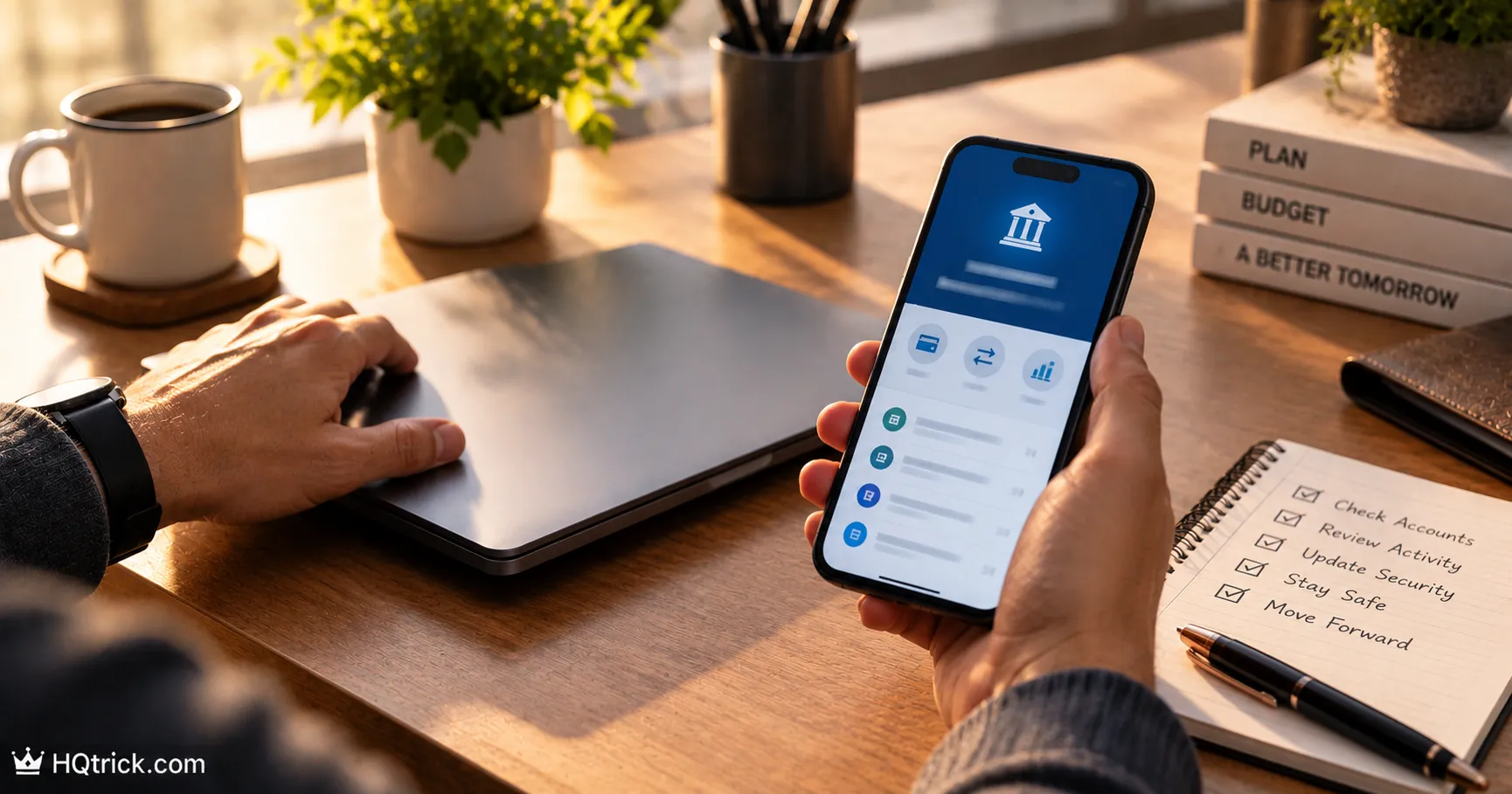
If your bank emails about a problem, don’t click the email’s link — open your banking app or type the address yourself. If a text says your package is held, go to the carrier’s site directly. If your boss texts an urgent request, call them on the number you already have.
The entire phishing model depends on you following their path. Take your own path instead and the attack has nowhere to go. If the issue is real, you’ll find it waiting for you in the real app.
Two supporting habits worth building:
Verify people through a second channel. Voice cloning now makes a panicked call from a “family member” sound genuinely convincing. Hang up and call back on the number you already have. Agree on a family code word for emergencies — simple, and it works.
Slow down when you feel pressure. Physical urgency — raised heart rate, the impulse to act immediately — is the designed effect. Treat that feeling itself as the alarm. Nothing legitimate is lost by waiting five minutes to verify.
Sixth: What to Do If You Already Clicked
Clicking happens. Speed matters more than blame.
If you only clicked, but entered nothing: Close the tab. Don’t download anything it offered. Run a scan with your built-in protection (Windows Defender or macOS’s protections) for reassurance. Risk is usually low.
If you entered a password: Change that password immediately, from a device you trust — and change it everywhere else you used the same one. Enable two-factor authentication on the account. Sign out all active sessions.
If you entered a 2FA code: Assume the attacker is inside the account right now. Change the password, sign out all sessions, regenerate your 2FA setup, and check recovery settings and email forwarding rules for changes they may have made.
If you entered payment details: Call your bank or card issuer using the number on the back of your card. Report it as fraud and request a replacement card. Most protections depend on reporting quickly.
If you downloaded and opened a file: Disconnect from the internet, run a full malware scan, and change important passwords from a different device. If anything looks wrong afterward, a factory reset is the only clean guarantee.
Then report it. Forward phishing emails to your email provider’s report function, and to the impersonated company — most banks have a phishing report address. Reporting removes the infrastructure faster for everyone.
Seventh: Frequently Asked Questions
What are the most common signs of a phishing email?
Urgency or threats, a generic greeting, a sender address that doesn’t match the real company’s domain, links whose true destination differs from the visible text, unexpected attachments, and any request for a password, verification code, or payment by gift card. The strongest single signal is being pushed to act immediately.
What should I do if I clicked a phishing link?
If you didn’t enter anything, close the tab and run a security scan. If you entered a password, change it immediately from a trusted device and everywhere you reused it, then enable two-factor authentication. If you entered a verification code or card details, treat the account or card as compromised and act within minutes — sign out all sessions, or call your bank on the number printed on your card.
How can I tell if a text message is a scam?
Look for links shortened or hosted on unfamiliar domains, messages about deliveries you didn’t order, and anything demanding urgent action. Never tap the link — go to the carrier’s or company’s official app directly. Legitimate companies rarely require action through an SMS link.
Can you get hacked just by opening an email?
Simply reading a modern email is very low risk. The danger comes from clicking links, opening attachments, or enabling content in documents. Keep image auto-loading off if you want extra caution, but the practical rule is: read freely, click carefully.
Why do scammers ask for gift cards?
Gift cards are effectively untraceable and irreversible once the codes are read aloud. That’s the entire reason. No legitimate business, employer, or government agency accepts them as payment — so any request for them is, without exception, a scam.
What is spear phishing and how is it different?
Spear phishing is targeted at you personally, using real details — your employer, colleagues’ names, a recent purchase — often gathered from data breaches or social media. It’s far more convincing than mass phishing, which is why verification through a second channel matters more than judging a message by how convincing it looks.
Conclusion: Verify the Path, Not the Message
You’ll never reliably judge phishing by how legitimate a message looks — attackers get better at looking legitimate every year.
What doesn’t change is the structure: they need you to follow their link, their number, their instruction.
Take your own path every time, and the most common attack on earth stops working on you.
Not every threat comes through your inbox — read Best Antivirus Software: Do You Even Need One Anymore? for what actually protects your devices today.
hqtrick.com/ — Your Daily Trick to a Better Life