
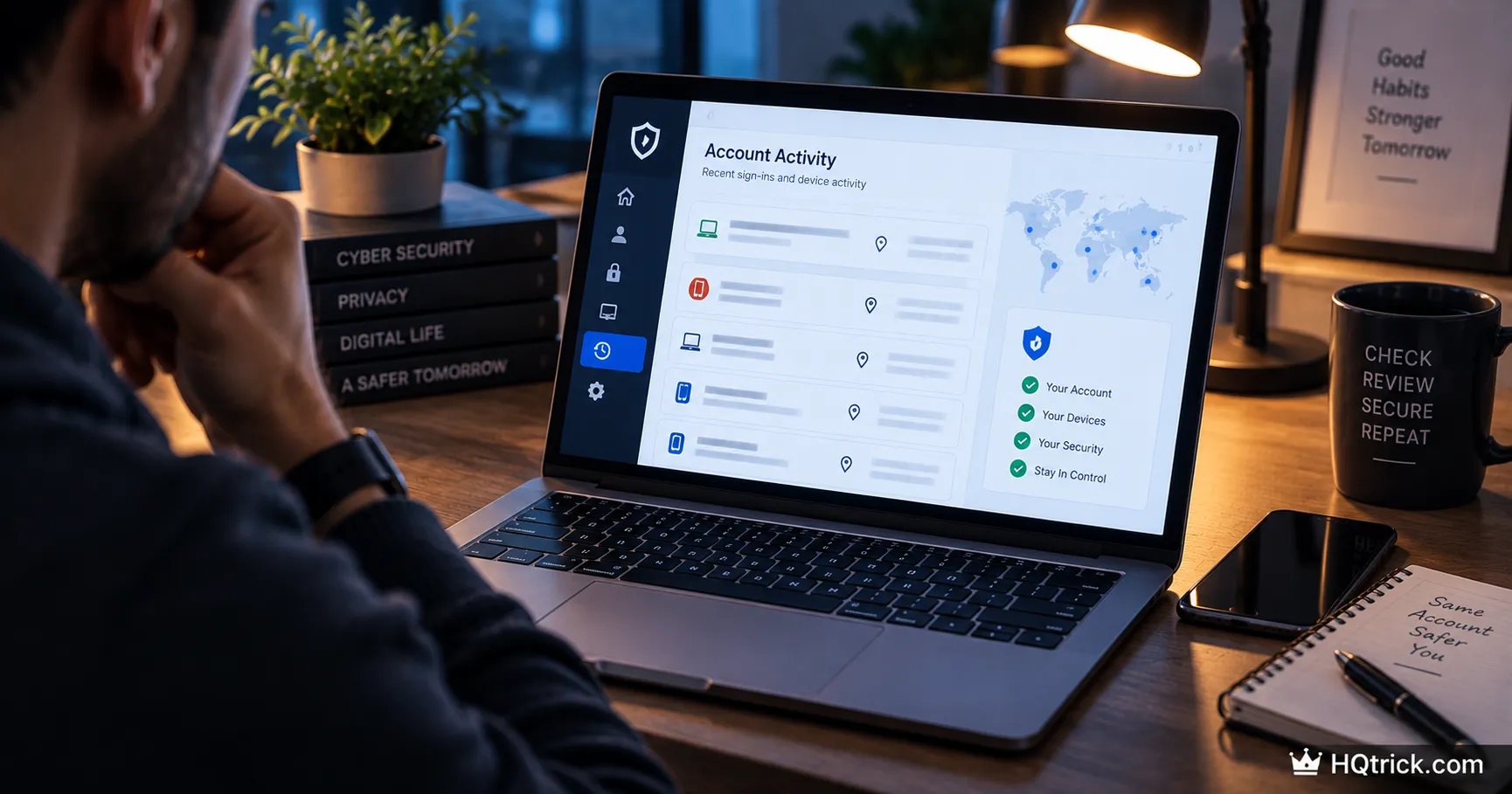
Hollywood hacking comes with skull graphics and warnings. Real compromises are silent — sometimes for months.
Here’s how to actually check, and what to do if you find something.
First: Why Most People Find Out Too Late
An attacker who takes over your account has no reason to announce it. The value is in staying invisible: reading your email for banking details, harvesting contacts to scam, quietly setting up a forwarding rule that copies every message they receive.
The average time between a compromise and its discovery is measured in months, not days. In most cases the victim doesn’t find it — someone else does. A friend receives a strange message from you. A bank flags a charge. A breach notification arrives from a company.
That’s the real problem: the warning signs are subtle, and the loud symptoms (locked out, money missing) only appear at the end, after the damage is done.
Checking proactively takes about ten minutes. Waiting for an obvious sign can cost you years.
Second: The Real Warning Signs
Account-Level Signs
Login alerts from places you’ve never been. Google, Apple, Microsoft and Meta all email you about new sign-ins. Treat these as real. The exception: the alert email itself can be fake — never click its links; open the app directly.
Password reset emails you didn’t request. One is possibly a typo by a stranger. A cluster of them across several services means someone is systematically working through your accounts.
Sent messages you didn’t write. Check your sent folder and your social DMs. Attackers use your account to scam your contacts, because a message from a friend gets clicked.
Friends reporting strange messages from you. This is the most common discovery route for social account takeovers. Believe them the first time.
Settings you didn’t change. New recovery email, altered phone number, a new forwarding rule, an unfamiliar “trusted device.” Forwarding rules in particular are a classic — they let an attacker keep reading your email long after you’ve changed the password.
Missing two-factor prompts. If a login that used to ask for a code stops asking, someone may have marked their device as trusted.
Device-Level Signs
Sudden battery drain or heat while idle. Software running in the background consumes power. It’s a weak signal alone — batteries also age — but a sharp change is worth investigating.
Apps you didn’t install. Check your full app list, not just the home screen.
Browser changes. New extensions, a changed homepage, a different default search engine, or redirects to pages you didn’t request.
Antivirus or system protections switched off. Malware frequently disables defenses first. If Windows Defender or your firewall is off and you didn’t turn it off, treat that as a strong signal.
Data usage spikes with no explanation. Information leaving your device uses bandwidth.
Financial and Identity Signs
Small unfamiliar charges. Attackers commonly test a stolen card with a tiny transaction before a large one. A $1.07 charge you don’t recognize matters more than it looks.
Bills or accounts you never opened. A sign someone is using your identity rather than just your login.
A credit score drop with no cause you can explain. Often the first visible sign of identity theft.
Third: How to Actually Check Each Account
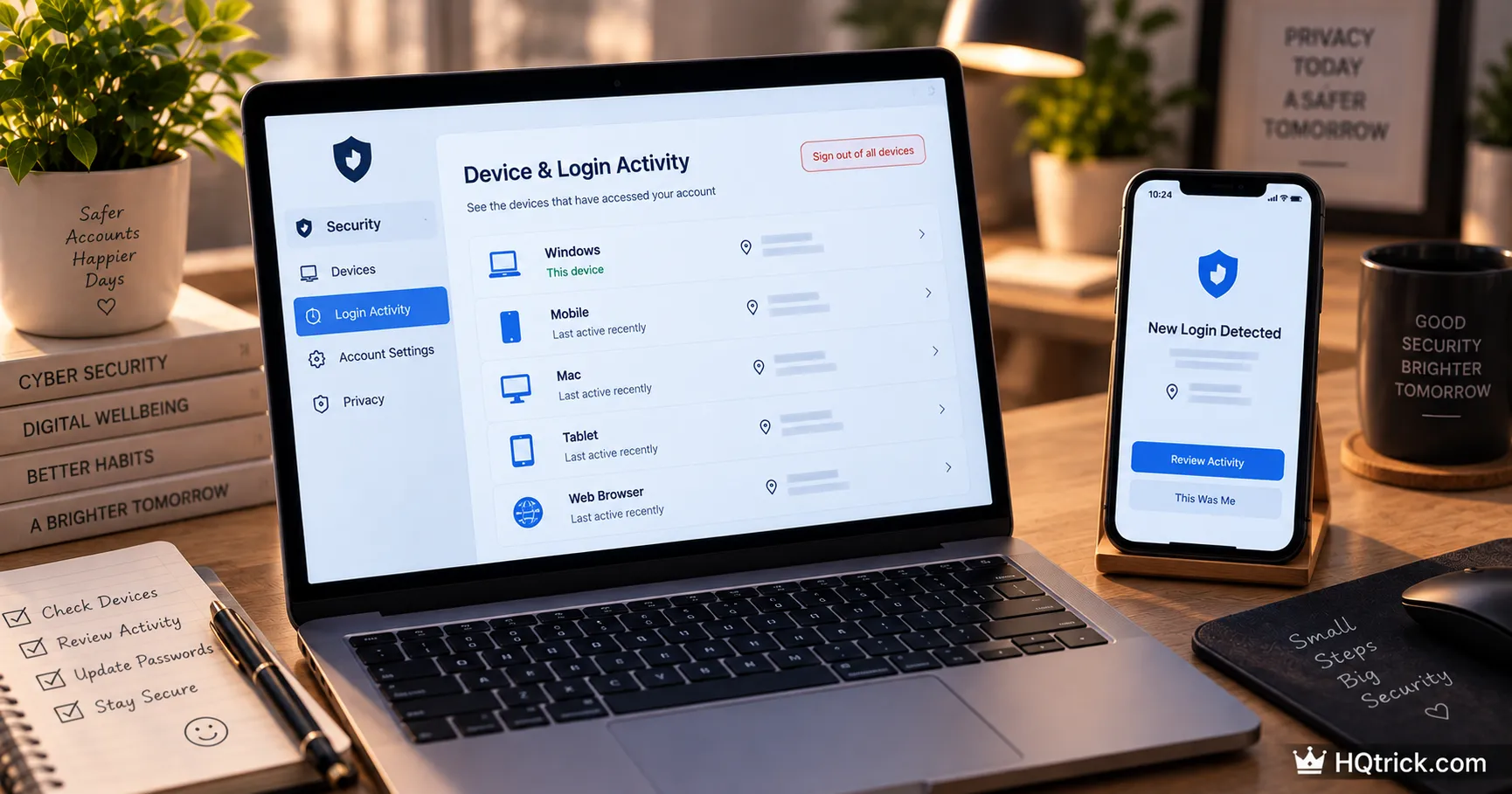
Signs are useful. Verification is better. Every major platform lets you look directly at who has been logging in.
| Account | Where to Look | What to Look For |
|---|---|---|
| myaccount.google.com → Security | Unknown devices, recent activity, forwarding rules | |
| Apple | Settings → your name → device list | Devices you don’t own |
| Microsoft | account.microsoft.com → Security | Recent sign-in activity by location |
| Settings → Password and Security → Where you’re logged in | Unrecognized sessions and locations | |
| Settings → Accounts Center → Login activity | Unknown devices | |
| Bank / PayPal | Statements and login history | Small test charges, new payees |
| Any email | Filters and forwarding settings | Rules you didn’t create |
Also check your email against known breaches. Enter your address at haveibeenpwned.com — a free, legitimate service that searches published breach data. Appearing there doesn’t mean you’re currently hacked; it means a password of yours has leaked somewhere and must not be in use anywhere anymore.
And check the forwarding rules specifically. This is the most commonly missed hiding place. In Gmail: Settings → Forwarding and POP/IMAP, plus Settings → Filters. In Outlook: Settings → Mail → Forwarding and Rules. An attacker who set one up keeps reading your mail even after you change your password.
Fourth: The Recovery Steps in the Right Order
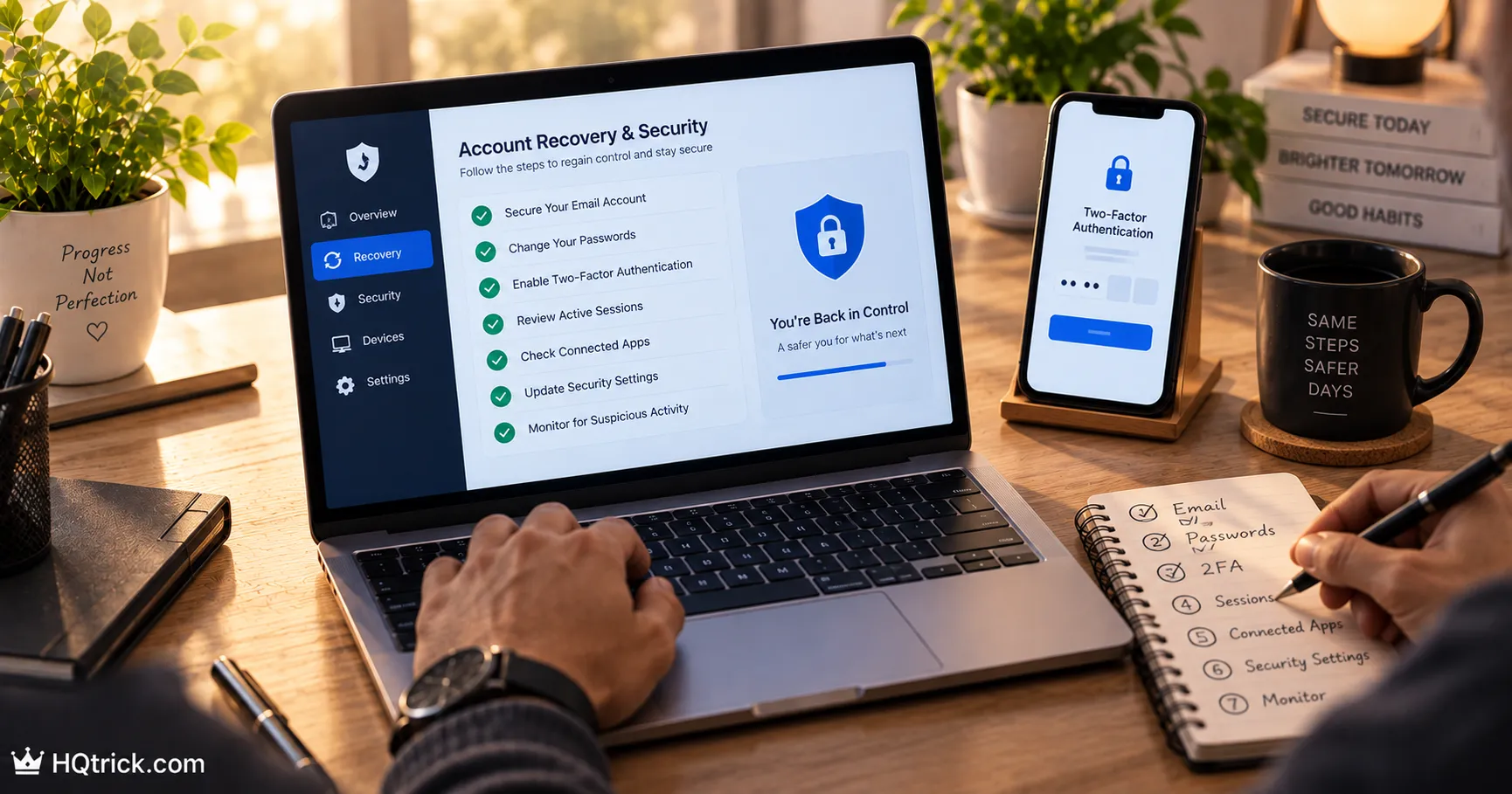
If you find evidence of compromise, the order matters enormously. Doing this out of sequence wastes the effort.
Step 1 — Use a clean device. If you suspect malware on your computer, don’t do recovery on it. Password changes typed into a compromised machine are captured as you type them. Use a phone or another computer you trust.
Step 2 — Secure your email first, always. Your email is the master key: password resets for every other account flow through it. Change its password, then immediately check its forwarding rules, filters, and recovery settings. Fixing your bank before your email means the attacker just resets the bank again.
Step 3 — Sign out all other sessions. Every major platform has a “sign out of all devices” option. Changing a password doesn’t always end an attacker’s existing session — this does.
Step 4 — Enable or reset two-factor authentication. Use an authenticator app rather than SMS. If 2FA was already on, regenerate it — the attacker may have registered their own device.
Step 5 — Restore your recovery settings. Check that the recovery email and phone number are yours. Attackers change these so they can reclaim the account after you lock them out.
Step 6 — Change passwords on accounts sharing that password. This is why reuse is so damaging. Every account using the compromised password is now exposed. Prioritize: banking, primary social, shopping accounts with saved cards, then everything else.
Step 7 — Contact financial institutions if money is involved. Call the number on the back of your card, not a number from an email. Report unauthorized charges immediately — most jurisdictions have strong consumer protections, but the protection often depends on reporting promptly.
Step 8 — Consider a credit freeze. In the US, freezing your credit with Equifax, Experian and TransUnion is free and blocks new accounts being opened in your name. It can be lifted temporarily whenever you need credit yourself.
Step 9 — Scan the device, or reset it. Run a full scan with Windows Defender or Malwarebytes. If evidence of serious malware persists, a full factory reset is the only clean guarantee. Back up your files first — not your applications.
Fifth: What to Do in the Following Weeks
Watch for the second wave. Attackers frequently sell access. A quiet account can be attacked again weeks later by a different buyer using data from the first compromise.
Expect targeted phishing. Whoever read your email now knows who your bank is, who your colleagues are, and what you were recently expecting. Follow-up scams after a compromise are far more convincing than random ones.
Warn your contacts. If your account sent messages, tell people directly. Scams that come from a real friend’s account have unusually high success rates.
Rebuild on unique passwords. A compromise is the moment to finally adopt a password manager. It converts this event from something that can recur into something that structurally can’t.
Sixth: Frequently Asked Questions
How can I tell if my email has been hacked?
Check your account’s recent sign-in activity, look for password reset emails you didn’t request, inspect the sent folder for messages you didn’t write, and — most importantly — check for forwarding rules and filters you didn’t create. Also search your address on haveibeenpwned.com to see whether it appears in known breaches.
Can someone hack my phone just from my phone number?
Not directly, in the way people fear. A number alone doesn’t grant access. The real risks tied to your number are SIM swapping (an attacker convinces your carrier to move your number to their SIM, intercepting SMS codes) and phishing texts. Protect against both by adding a port-out PIN with your carrier and using an authenticator app instead of SMS for two-factor codes.
What should I do first if my account was hacked?
Secure your email before anything else, from a device you trust. Change its password, sign out all sessions, check forwarding rules, verify recovery settings, and enable app-based two-factor authentication. Then work through your other accounts, starting with anything financial.
Will changing my password remove a hacker’s access?
Usually, but not always on its own. Existing sessions can survive a password change, and forwarding rules or connected apps keep working. You must also sign out all devices, remove unfamiliar connected apps, and delete any forwarding rules or filters the attacker created.
Does resetting my phone remove hackers?
A full factory reset removes essentially all malware — but restoring from a backup can reintroduce it. Restore your photos, documents and contacts, then reinstall apps manually from the official store rather than restoring a full system image.
Should I pay if someone threatens to leak my data?
No. Payment does not reliably lead to deletion — you’re trusting a criminal, and paying frequently marks you as a repeat target. “Sextortion” emails claiming to have recorded you are almost always mass-sent bluffs referencing an old breached password. Report it, secure the account, and don’t respond.
Conclusion: Check Before You Have a Reason To
Ten minutes of checking your login history, forwarding rules and connected devices — today, with nothing wrong — is worth more than any amount of worry.
Most people do this for the first time after something bad happens. Do it now, and set a reminder to repeat it twice a year.
The quiet compromise is the dangerous one. Look for it before it announces itself.
The strongest defense against account takeovers is the second lock — read Two-Factor Authentication Explained: Why SMS Isn’t Enough to set it up properly.
hqtrick.com/ — Your Daily Trick to a Better Life