
Best Password Managers Compared Honestly
Every security expert recommends a password manager. Almost none of them explain how the options actually differ.
Here’s the honest comparison — and who each one is really for.
First: What a Password Manager Actually Does
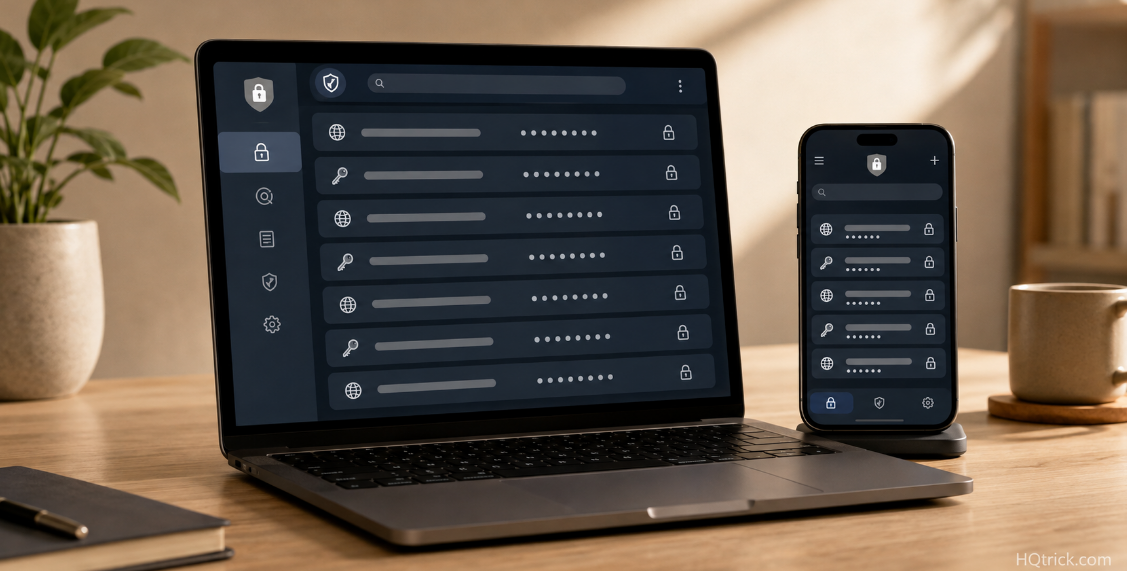
A password manager is an encrypted vault that generates, stores, and fills a unique password for every account you own. You remember one master password. It remembers the other two hundred.
The three things it solves at once:
Reuse. The single biggest cause of account takeovers. When one site is breached, bots try that leaked password everywhere else. Unique passwords make a breach on one site a problem that stays on that site.
Strength. A manager generates passwords like k7$Rm2!vQx9pLd4Z — effectively uncrackable by brute force. Humans generate passwords like Summer2024!, which cracking tools guess in seconds because they know exactly how humans think.
Phishing. This one is underrated. A manager auto-fills only on the real domain. If you land on a convincing fake login page, the manager silently refuses to fill — which is often the only warning you’ll get that something is wrong.
How the encryption works: Reputable managers use zero-knowledge encryption: your vault is encrypted on your device with a key derived from your master password, before it’s ever uploaded. The company stores encrypted data it cannot decrypt. If they’re hacked, attackers get unreadable ciphertext — not your passwords.
The trade-off is the honest one: if you forget your master password, nobody — including the company — can recover your vault. That’s the cost of real encryption.
Second: The Criteria That Actually Separate Them
Marketing pages compare feature counts. These are the differences that change your real experience:
Independent security audits. Has an outside firm examined the code and published findings? Bitwarden, 1Password, and Proton Pass publish regular third-party audits. This is the strongest available signal of trustworthiness.
Open source vs closed source. Open-source code (Bitwarden, Proton Pass) can be inspected by anyone, so vulnerabilities are found by the community, not just the vendor. Closed source isn’t inherently unsafe — but it requires more trust in the company.
Cross-platform quality. A manager that’s excellent on Mac and mediocre on Android is a bad manager for you if you use Android. The browser extension quality matters more day-to-day than any advanced feature.
Family and sharing support. Sharing a Netflix login or Wi-Fi password securely with a partner is a genuinely common need. Family plans handle it properly; free plans often don’t.
Breach history and response. How a company handled past incidents is more informative than claiming they’ve never had one.
Third: The Managers Worth Using
Bitwarden — Best Overall and Best Free
Price: Free (unlimited passwords, unlimited devices) / $10 per year Premium / $40 per year Family (6 users) Open source: Yes Audits: Annual third-party audits, published
Bitwarden is the recommendation for most people, and the reasoning is unusually simple: its free tier is not a crippled trial. Unlimited passwords, unlimited devices, and full sync across everything — free, forever. Most competitors limit free users to one device, which makes the free plan useless in practice.
The $10/year Premium tier adds encrypted file storage, built-in 2FA code generation, and security health reports that flag reused and weak passwords. Ten dollars a year is roughly the cheapest meaningful security upgrade available anywhere.
The honest trade-off: The interface is functional rather than beautiful. It does everything well and delights in nothing. If polish matters to you, 1Password is worth the price difference.
Best for: Almost everyone — especially anyone who wants maximum security without a subscription.
1Password — Best Experience and Best for Families
Price: $36 per year individual / $60 per year family (5 users) Open source: No Audits: Regular third-party audits, published
1Password is the most polished password manager available. The apps are genuinely well-designed on every platform, the browser extension is the smoothest in the category, and features like Travel Mode (temporarily removing sensitive vaults from your devices when crossing borders) and Watchtower (breach and weak-password monitoring) are executed better than competitors’ equivalents.
The Secret Key architecture is a real security advantage: in addition to your master password, a device-stored key is required to decrypt your vault. Even a leaked master password is insufficient without it.
The family plan is the strongest in the market — shared vaults for household logins, private vaults per person, and a recovery mechanism where a family organizer can help a member who forgets their password.
The honest trade-off: No free tier and no cheap tier. Closed source, so you’re trusting the audits rather than inspecting the code.
Best for: Families, and anyone who’ll actually use a manager more consistently because it’s pleasant.
Proton Pass — Best for Privacy-Focused Users
Price: Free tier available / ~$24 per year Plus Open source: Yes Audits: Published third-party audits
From the team behind Proton Mail, with Swiss jurisdiction and a privacy-first design philosophy. The standout feature is built-in email aliasing — generating a unique disposable email address for each site you sign up for.
That matters more than it sounds. Unique emails mean a breached site can’t be linked to your other accounts, spam is trivially traceable to its source, and an alias can be disabled without touching your real inbox.
If you already use Proton Mail or Proton VPN, the bundle pricing makes Pass close to free.
Best for: Privacy-conscious users, and anyone already inside the Proton ecosystem.
Dashlane — Best Built-In Extras
Price: ~$60 per year Premium / ~$90 per year Family Open source: No Audits: Published
Dashlane bundles a VPN and dark-web monitoring into its Premium plan, and its automatic password-changer can update passwords on supported sites with one click.
The honest assessment: The bundled VPN is adequate but weaker than a dedicated provider, and the price is the highest here. If you’d buy a VPN anyway, the bundle math works. If not, you’re paying for features you won’t use.
Best for: People who want one subscription covering passwords plus a basic VPN.
Apple Passwords / Google Password Manager — Best Free Default
Price: Free, built in Open source: No
Both are genuinely decent now. Apple’s Passwords app (and iCloud Keychain) syncs across Apple devices with strong encryption; Google’s manager does the same across Chrome and Android. Both generate strong passwords, support passkeys, and warn about breached credentials.
The honest trade-off: They work well inside their own ecosystem and awkwardly outside it. If you use an iPhone and a Windows laptop, or an Android phone and a Mac, the friction is real. They also offer weaker sharing and no meaningful family management.
Best for: People fully inside one ecosystem who would otherwise use no manager at all. Vastly better than reuse.
Fourth: The Comparison Table
| Manager | Free Tier | Paid Price | Open Source | Best For |
|---|---|---|---|---|
| Bitwarden | ✅ Full-featured | $10/yr | ✅ Yes | Almost everyone |
| 1Password | ❌ Trial only | $36/yr | ❌ No | Families, best UX |
| Proton Pass | ✅ Limited | ~$24/yr | ✅ Yes | Privacy-focused users |
| Dashlane | ⚠️ Very limited | ~$60/yr | ❌ No | VPN bundle seekers |
| Apple / Google | ✅ Built in | Free | ❌ No | Single-ecosystem users |
Fifth: How to Switch Without Losing Anything
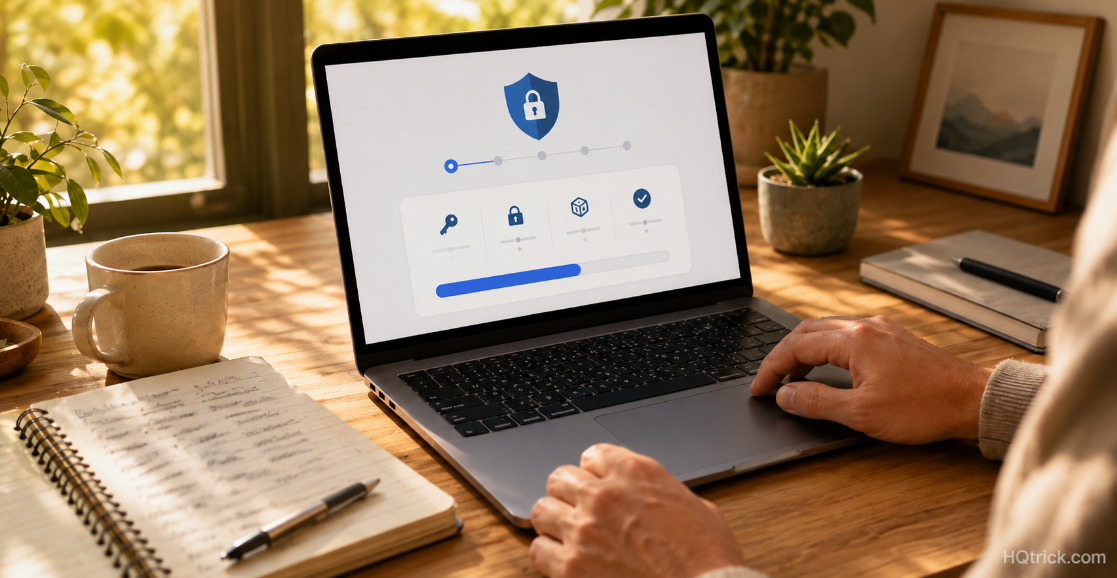
Migrating sounds harder than it is. The whole process takes about twenty minutes, and you do it once.
Step 1 — Create a master password you can actually remember. Use a passphrase of four or five unrelated words: copper-lantern-drift-marble. Long and memorable beats short and cryptic. Write it down on paper and store it somewhere physically safe until it’s memorized.
Step 2 — Import what you already have. Every manager here imports directly from browsers and from competing managers. Chrome, Safari, Firefox, and Edge all export saved passwords in one settings menu.
Step 3 — Install everywhere. Browser extension on every computer, app on every phone. A manager you can’t reach is a manager you’ll stop using.
Step 4 — Fix the critical accounts first. Don’t try to change 200 passwords in one session. Change these five today: email, bank, primary social account, and anything storing your payment details. Everything else can be updated naturally as you log in over the coming months.
Step 5 — Turn on 2FA for the vault itself. Your password manager deserves the strongest protection you have — an authenticator app or hardware key, not SMS.
Step 6 — Delete the old copies. Clear saved passwords from browsers, delete the spreadsheet, retire the notebook. Leaving unencrypted copies around defeats the purpose.
Sixth: Frequently Asked Questions
Are password managers actually safe to use?
Yes — and every serious security professional uses one. Reputable managers use zero-knowledge encryption, meaning the company stores data it mathematically cannot read. The alternative is password reuse, which is the direct cause of most account takeovers. The comparison isn’t close: a manager plus unique passwords is dramatically safer than any human-memorable system.
What is the best free password manager?
Bitwarden. Its free tier includes unlimited passwords across unlimited devices with full sync — genuinely unrestricted, not a trial. Proton Pass has a decent free tier as well, and Apple and Google’s built-in managers are solid within their own ecosystems.
What happens if I forget my master password?
With true zero-knowledge encryption, the company cannot recover it — your vault is unrecoverable. That’s why you write the master password on paper and store it somewhere safe (a home safe, a sealed envelope with important documents) until it’s memorized. Some services offer emergency access or family recovery as a backup.
Is Bitwarden or 1Password better?
Bitwarden wins on price and openness; 1Password wins on polish and family features. Security-wise, both are excellent and independently audited. Choose Bitwarden if you want free or near-free and don’t mind a plainer interface. Choose 1Password if a better daily experience means you’ll actually stick with it, or if you need strong family sharing.
Should I use my browser’s built-in password manager?
It’s far better than reusing passwords, and modern browser managers are reasonably secure. The limitations are cross-platform friction, weaker sharing, and fewer security features like breach monitoring. Treat it as a solid starting point and upgrade to a dedicated manager when you’re ready.
What are passkeys, and do they replace password managers?
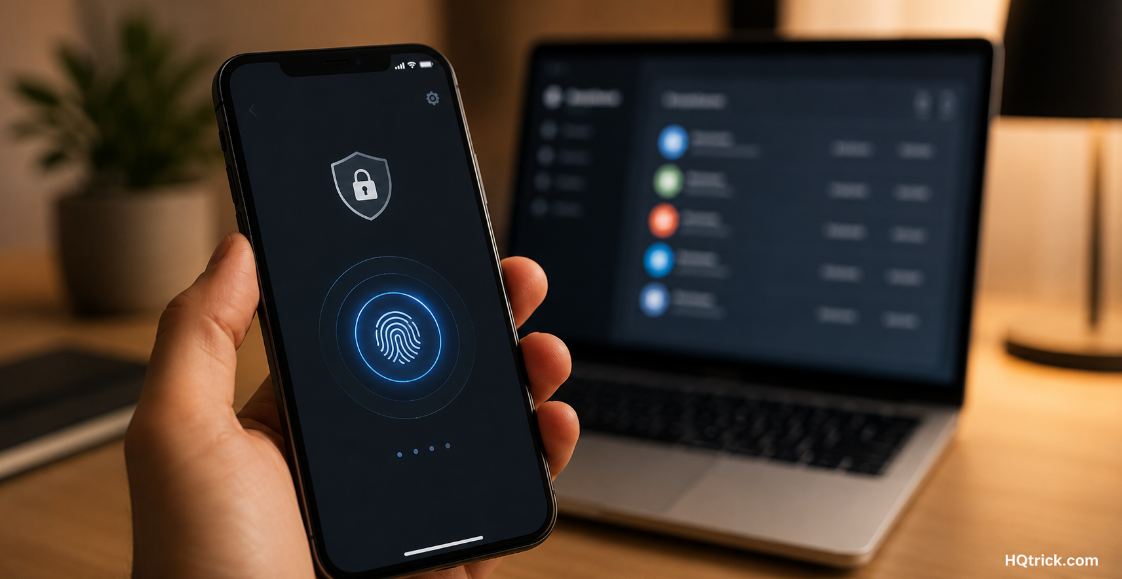
Passkeys replace passwords with a cryptographic key stored on your device and unlocked by your fingerprint or face. They’re phishing-resistant and genuinely better than passwords. They don’t replace managers — they live inside them. Every manager listed here now stores passkeys, so adopting them is one more reason to have a vault.
Conclusion: The Best One Is the One You’ll Actually Use
Bitwarden if you want the strongest free option. 1Password if a better experience keeps you consistent. Proton Pass if privacy is your priority.
Any of them, used daily, beats the perfect choice you researched for three weeks and never installed.
Pick one this week. Change five passwords. Done.
HQTRICK.COM — Your Daily Trick to a Better Life