
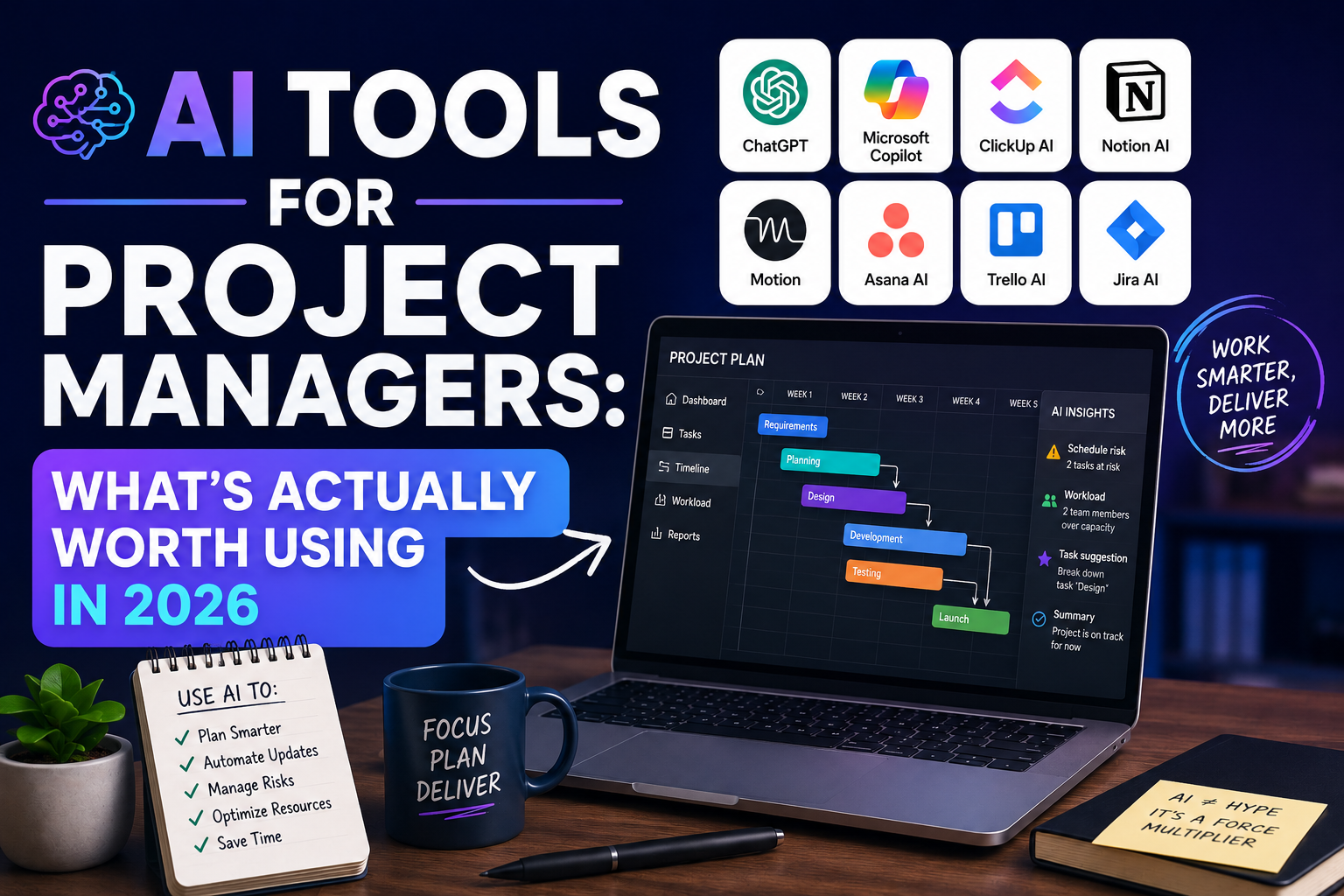
AI Tools for Project Managers: What’s Actually Worth Using in 2026
Project management is fundamentally an information management and communication problem. You’re tracking hundreds of moving parts, synthesizing updates from multiple teams, writing status reports that nobody reads, and trying to spot problems before they become crises. In 2026, AI tools have become genuinely useful for each of these challenges.
This guide covers what’s working — from purpose-built PM platforms to general AI tools used creatively — with honest assessments of where AI helps and where it still falls short.
Where AI Genuinely Helps Project Managers
Documentation and reporting: The most immediate and consistent win. Status reports, meeting notes, risk logs, lessons learned — AI handles the writing grind.
Pattern recognition: AI can surface trends across project data that humans miss when buried in the day-to-day.
Communication drafting: Stakeholder updates, escalation emails, change request summaries — AI produces solid first drafts faster than any human.
Planning assistance: Breaking work into tasks, identifying dependencies, suggesting timelines based on comparable projects.
Where AI still needs supervision:
- Judgment calls on prioritization when competing stakeholder interests conflict
- Reading team dynamics and morale
- Negotiating scope and timeline with stakeholders
- Making the call when a project should be killed
8 Best AI Tools for Project Managers in 2026
1. Motion — Best AI Scheduling and Planning
Best for: Individual PMs managing their own time and task load Cost: From $19/month
Motion uses AI to automatically schedule your tasks based on priority, deadlines, and available calendar time. When a meeting is added or a deadline changes, Motion reschedules your entire week automatically. For project managers who are also individually contributors, it replaces hours of manual scheduling.
The AI prioritization is solid — it learns your working patterns and deprioritizes tasks intelligently when new urgent items appear.
2. Asana AI — Best for Team Project Management
Best for: Teams managing complex multi-workstream projects Cost: AI features included in Business plan from $24.99/user/month
Asana has embedded AI meaningfully throughout its project management platform:
- AI project creation: Describe a project in plain language, AI creates the task structure, milestones, and assignments
- Smart summaries: Automatically summarizes project status across all tasks for one-click status reports
- Risk detection: Flags tasks that are likely to be late based on progress patterns
- Goal alignment: Shows how individual tasks connect to organizational goals
The status report generation alone saves most PMs 45–90 minutes per week.
3. Monday.com AI — Best for Visual Project Tracking
Best for: Teams who need visual project dashboards Cost: AI features in Pro plan from $16/user/month (min 3 seats)
Monday.com’s AI features focus on:
- Generating project plans from descriptions
- Auto-populating tasks from meeting notes
- Writing update summaries for stakeholders
- Predicting project completion based on historical velocity
The visual interface combined with AI content generation is particularly effective for teams presenting project status to non-PM stakeholders.
4. Claude — Best for Document-Heavy PM Work
Best for: Requirements analysis, vendor document review, risk documentation Cost: Free; Pro at $20/month
For project managers working with large volumes of documentation — RFPs, contracts, technical specifications, audit reports — Claude’s large context window is a significant advantage. Specific high-value uses:
Requirements extraction: “Review this 45-page RFP and extract: all mandatory requirements, all evaluation criteria, key deliverable dates, and any unusual or high-risk provisions. Format as a structured summary.”
Risk register drafting: “Based on this project scope [paste scope], generate a risk register with the top 15 risks. For each: risk description, probability (H/M/L), impact (H/M/L), and suggested mitigation strategy.”
Lessons learned synthesis: “Here are team survey responses from our project retrospective [paste]. Synthesize the top 5 lessons learned, 3 process improvements to implement, and 3 things we should repeat on future projects.”
5. ChatGPT — Best for Stakeholder Communication
Best for: Status reports, escalation emails, change requests, exec summaries Cost: Free; Pro at $20/month
The weekly status report is the document most PMs hate writing most. ChatGPT can produce a solid first draft in 90 seconds.
Status report prompt: “Write a professional weekly project status report for stakeholders. Project: [name]. Reporting period: [dates]. Accomplishments this week: [bullet points]. Next week’s priorities: [bullet points]. Issues/risks: [any blockers]. Budget status: [on track/X% over]. Schedule status: [on track/X days behind]. Tone: confident and transparent. Format: executive-friendly, under 300 words.”
Escalation email prompt: “Write a professional escalation email to [stakeholder role] regarding [issue]. The issue is [description]. Impact if not resolved: [impact]. Decision needed: [what you need]. Deadline: [date]. Tone: urgent but professional, not alarming.”
6. Otter.ai — Best for Meeting Management
Best for: Recording and processing project meetings Cost: Free (300 min/month); paid from $10/month
Project managers live in meetings. Otter.ai transforms meeting management:
- Automatic transcription of every project meeting
- AI-generated meeting summary with action items extracted
- Speaker identification
- Searchable archive of all project conversations
The combination of full transcript + AI summary means you can review a 2-hour meeting’s key points in 5 minutes. Action items can be exported directly to your PM tool.
7. Notion AI — Best for Project Knowledge Management
Best for: Centralized project documentation and knowledge base Cost: $10/month add-on
Project knowledge is notoriously difficult to manage — scattered across email threads, Slack, documents, and people’s heads. Notion AI helps consolidate it:
- Build a project knowledge base that team members can query in plain language
- Generate project documentation from rough notes
- Summarize long documents for onboarding new team members
- Maintain lessons learned database across projects
Query example: “What decisions did we make about the API integration approach?” — Notion AI searches your entire project workspace and surfaces relevant information.
8. GitHub Copilot (for Technical PMs)
Best for: PMs with technical backgrounds managing engineering projects Cost: $10/month
For technical project managers who occasionally need to review code, understand technical specifications, or translate between technical and business language, GitHub Copilot and its chat features help bridge the gap. Ask Copilot to explain what a piece of code does, identify potential issues in a technical approach, or summarize the implications of a technical decision.
The AI-Enhanced PM Week
Monday:
- Pull all project updates from the team
- Paste into Claude: “Synthesize these updates into a project status summary. Flag any risks or blockers.”
- Use output as the basis for status report (ChatGPT draft) → 20 min total
Tuesday–Thursday:
- All project meetings recorded via Otter.ai
- AI summaries reviewed at end of each day
- Action items added to Asana automatically
Friday:
- Weekly retrospective notes synthesized by Claude
- Risk register reviewed — any new risks added
- Next week’s priorities organized in Motion
- Stakeholder update drafted and sent
The Honest Assessment
AI has made project managers faster at the low-value work: writing, documenting, reporting, summarizing. That’s genuinely useful — it returns hours to the work that actually requires PM expertise.
What it hasn’t changed: the hard parts. Aligning stakeholders with competing interests. Motivating a burned-out team at the end of a difficult sprint. Making the call to descope when you’re behind. Knowing when to escalate vs. when to resolve something at the team level.
The best project managers in 2026 are using AI to get the paperwork out of the way so they can spend their best hours on the problems that require human judgment.