
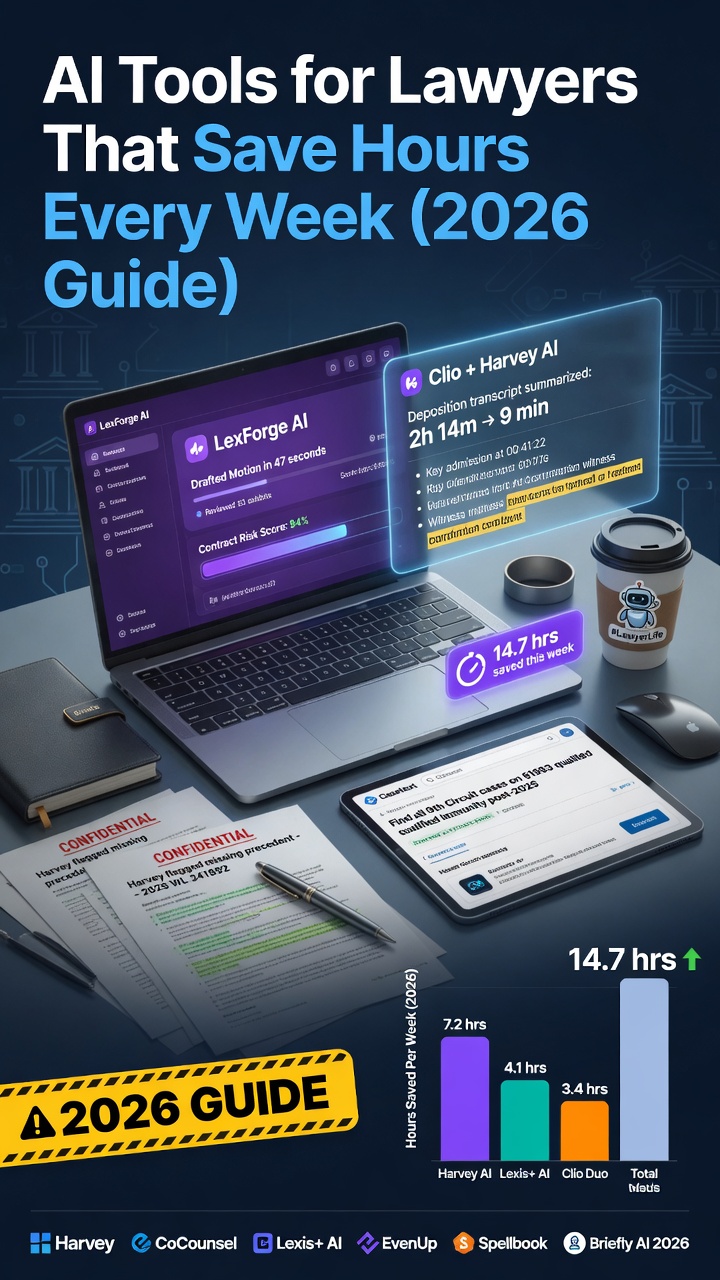
AI Tools for Lawyers That Save Hours Every Week (2026 Guide)
Law is one of the most document-intensive professions on earth. Contract review, case research, brief drafting, client letters, due diligence — a large-firm associate might spend 70% of their billable hours reading, writing, and summarizing documents. In 2026, AI tools are beginning to change that math significantly.
This guide covers the tools that are actually delivering time savings for lawyers and legal professionals — from solo practitioners to in-house counsel — with honest assessments of where AI helps and where it still requires careful human oversight.
The AI Landscape in Law: Where We Are in 2026
Legal AI has matured considerably from the early hype. The tools that have proven most valuable are those that augment legal judgment rather than try to replace it. The consensus among early-adopter lawyers:
- AI is excellent at first-pass document review, research synthesis, and drafting
- AI still requires heavy supervision for anything involving nuanced legal judgment, jurisdiction-specific interpretation, or client-facing advice
- The liability question remains real: AI errors in legal documents can have serious consequences, so review is non-negotiable
That said, the time savings for repetitive document-intensive tasks are substantial and well-documented.
8 AI Tools Legal Professionals Are Using in 2026
1. Harvey AI — Best Purpose-Built Legal AI
Best for: Contract analysis, due diligence, legal research, drafting Cost: Enterprise pricing; contact for quote
Harvey is the most significant legal-specific AI platform of 2026. Built on top of large language models but fine-tuned extensively on legal documents, it handles:
- Contract review and redlining at scale
- Due diligence summarization across large document sets
- Jurisdiction-specific research queries
- First-draft generation of standard agreements
- Deposition and transcript summarization
Harvey integrates with existing legal workflows and document management systems. Major firms including several Am Law 100 firms have adopted it, primarily for associate-level document work.
What it doesn’t replace: Partner-level legal judgment, client strategy conversations, courtroom advocacy.
2. Clio Duo — Best for Law Firm Operations
Best for: Solo and small firm lawyers managing client matters Cost: Integrated with Clio subscription (from $49/user/month)
Clio, the dominant practice management platform for small firms, integrated Clio Duo — an AI assistant embedded directly in the platform. It helps with:
- Drafting client emails and follow-ups
- Generating matter summaries for status updates
- Time entry suggestions based on activity
- Document summarization within the Clio system
For lawyers already using Clio, Duo is a genuine productivity upgrade with no additional learning curve.
3. Claude — Best for Document Analysis and Drafting
Best for: Contract review, legal letter drafting, document summarization Cost: Free; Pro at $20/month
General-purpose Claude is one of the most useful AI tools for lawyers who aren’t ready to invest in enterprise platforms. Its large context window — the ability to process very long documents — makes it particularly well-suited to legal work.
High-value use cases:
Contract review: “Review this contract and identify: (1) any non-standard clauses that might be unfavorable to the [buyer/seller/licensor], (2) missing provisions that are typically included in this type of agreement, (3) any ambiguous language that could create disputes. Format as a bullet-point risk report.”
Plain language explanations: “Translate this legal clause into plain English that a non-lawyer business owner can understand: [paste clause]”
Drafting: “Draft a demand letter from [Client Name] to [Recipient] regarding non-payment of $[amount] for services rendered on [date]. Professional and assertive but not hostile. Include a 14-day response deadline.”
Critical reminder: Never send Claude’s output directly to clients without thorough review. Treat it as a first draft requiring full professional review.
4. Lexis+ AI — Best for Legal Research
Best for: Case law research, statute analysis, brief research Cost: Subscription-based; bundled with LexisNexis accounts
LexisNexis has integrated AI throughout its research platform. Lexis+ AI allows lawyers to:
- Ask research questions in plain language and receive cited answers
- Summarize case holdings across multiple decisions
- Identify how courts have interpreted specific clauses or legal standards
- Generate research memos from a conversational query
The integration with Lexis’s primary law database is the key advantage — the AI searches actual legal authority, not the internet.
5. Westlaw Precision — Best for Case Law Analysis
Best for: Legal research with KeyCite integration Cost: Subscription-based; part of Thomson Reuters suite
Thomson Reuters’ answer to Lexis+ AI, Westlaw Precision integrates AI into the gold-standard legal research platform. Particularly useful for:
- “Quick Check” that identifies relevant authority for a specific legal argument
- AI-powered document analysis that links contract clauses to relevant case law
- Research recommendations based on the legal issues you’re exploring
6. ChatGPT — Best for General Legal Writing
Best for: Client communications, legal blog posts, explanatory documents Cost: Free; Pro at $20/month
While ChatGPT lacks legal database integration, it’s highly effective for:
- Drafting clear client communication letters
- Writing legal blog posts and educational content
- Creating intake questionnaires and client-facing forms
- Summarizing complex legal concepts in accessible language
- First-draft NDAs, basic service agreements, and simple contracts for solo practitioners
Use it for: Writing. Don’t rely on it for: Legal research or jurisdiction-specific analysis without verification.
7. Otter.ai — Best for Deposition and Meeting Notes
Best for: Transcribing client meetings, depositions, and calls Cost: Free (300 min/month); paid from $10/month
Otter.ai’s transcription accuracy has improved significantly. For lawyers, primary uses include:
- Transcribing client intake meetings
- Creating searchable records of witness interviews
- Generating meeting summaries for file notes
- Producing rough transcripts of recorded depositions for review
Note: Always check jurisdiction-specific rules regarding recording consent before using transcription tools.
8. Notion AI — Best for Knowledge Management
Best for: Building a searchable legal knowledge base Cost: $10/month AI add-on
Solo practitioners and small firms using Notion can use Notion AI to:
- Build a searchable repository of precedent clauses
- Organize research notes across matters
- Draft and maintain standard operating procedures
- Generate checklists for common matter types
A Practical AI Workflow for a Lawyer’s Week
Contract Review (Monday): Upload 40-page vendor contract to Claude → “Flag all unusual indemnification clauses, limitation of liability provisions, and IP ownership terms” → Use output as starting checklist for full review. Time: 25 min vs. 3 hours.
Research (Tuesday): Use Lexis+ AI to research “courts that have enforced non-compete agreements in remote work arrangements post-2024” → Review cited cases → Draft research memo. Time: 45 min vs. half day.
Client Letter (Wednesday): Use Claude to draft demand letter → Full review and edit → Send. Time: 15 min vs. 45 min.
Due Diligence (Thursday): Upload 15 documents to Harvey → Get summary of material issues across document set → Focus attorney review on flagged items. Time: 2 hours vs. full day.
The Ethics Question Every Lawyer Should Ask
Bar associations in most jurisdictions have issued guidance on AI use. Before using AI in legal practice, confirm:
- Your jurisdiction’s rules on competence regarding technology
- Client confidentiality obligations when uploading documents to AI platforms
- Disclosure requirements when AI assists in document preparation
- Supervision requirements for AI-generated work product
The ABA and most state bars have made clear that the lawyer remains responsible for AI-generated work. “The AI wrote it” is not a defense to professional responsibility violations.
Most enterprise legal AI platforms (Harvey, Clio Duo) offer data confidentiality commitments suitable for attorney-client privileged material. General consumer AI tools (ChatGPT, Claude) should be used with caution for sensitive client information — check your platform’s data handling policies.
The Bottom Line
Legal AI in 2026 is genuinely useful — but it’s a productivity tool, not a competence substitute. The lawyers getting the most value from it are using it to handle the volume of document work faster, freeing time for the judgment-intensive work that only a trained attorney can provide.
Start with one use case — most lawyers find contract review or research summarization the easiest entry point — and expand from there.